
- Laura Schweiger / Senior Product Designer
- Brigitte Huynh / Senior Product Designer
- Jesse Martin / Tech Lead
- Methias Talamantes / Software Engineer

Raisely Design System
Turning years of hard-won design and tech debt into a system the whole product team could build with confidence
Role: Design Lead + Frontend Development
Tech: Figma, Tokens Studio, React, Typescript, Tailwind, Radix UI, Storybook
Date: 2024
Main collaborators:
Background
When I first joined Raisely in 2018, we were a very small team and we had our heads down; focussed on building a ground-breaking product for under-served charities and not-for-profits that desperately needed a better way to fundraise online.
Initially, the product had been relatively easy to maintain. However as the company, customer base, and product grew rapidly, we started to build up considerable design + tech debt.
We needed a system to help us craft a more consistent, accessible and stable product with greater confidence and speed.
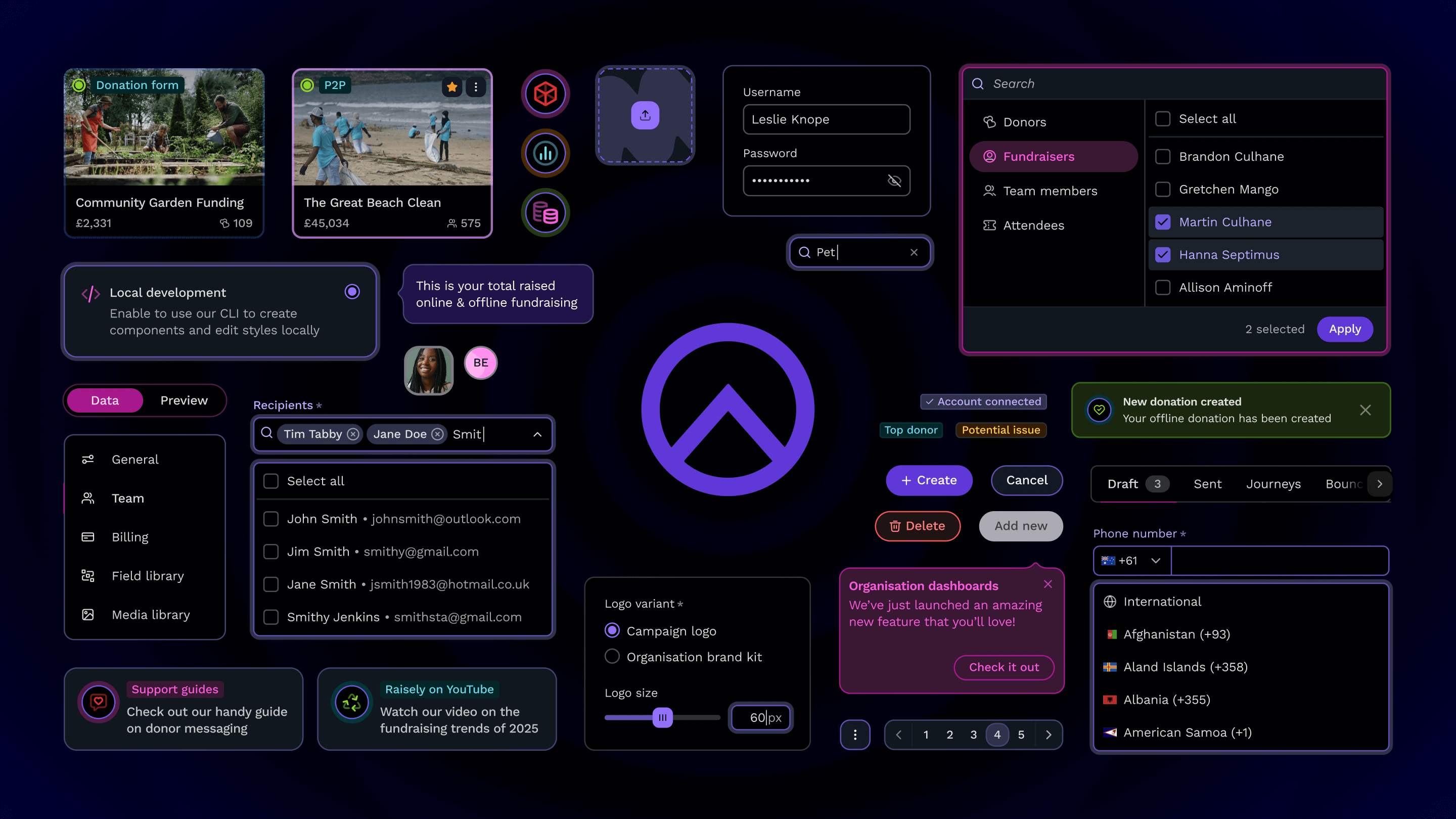
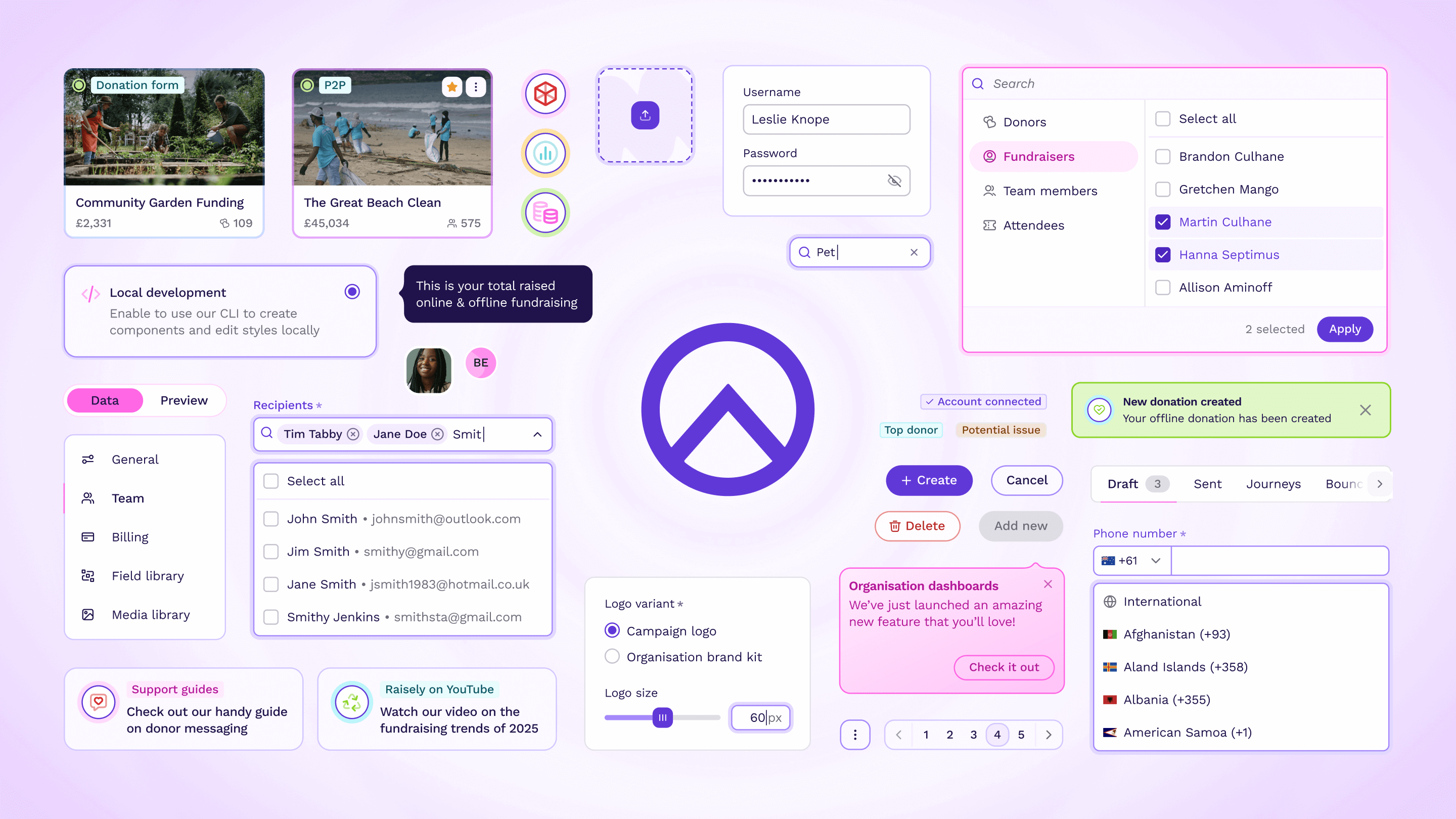
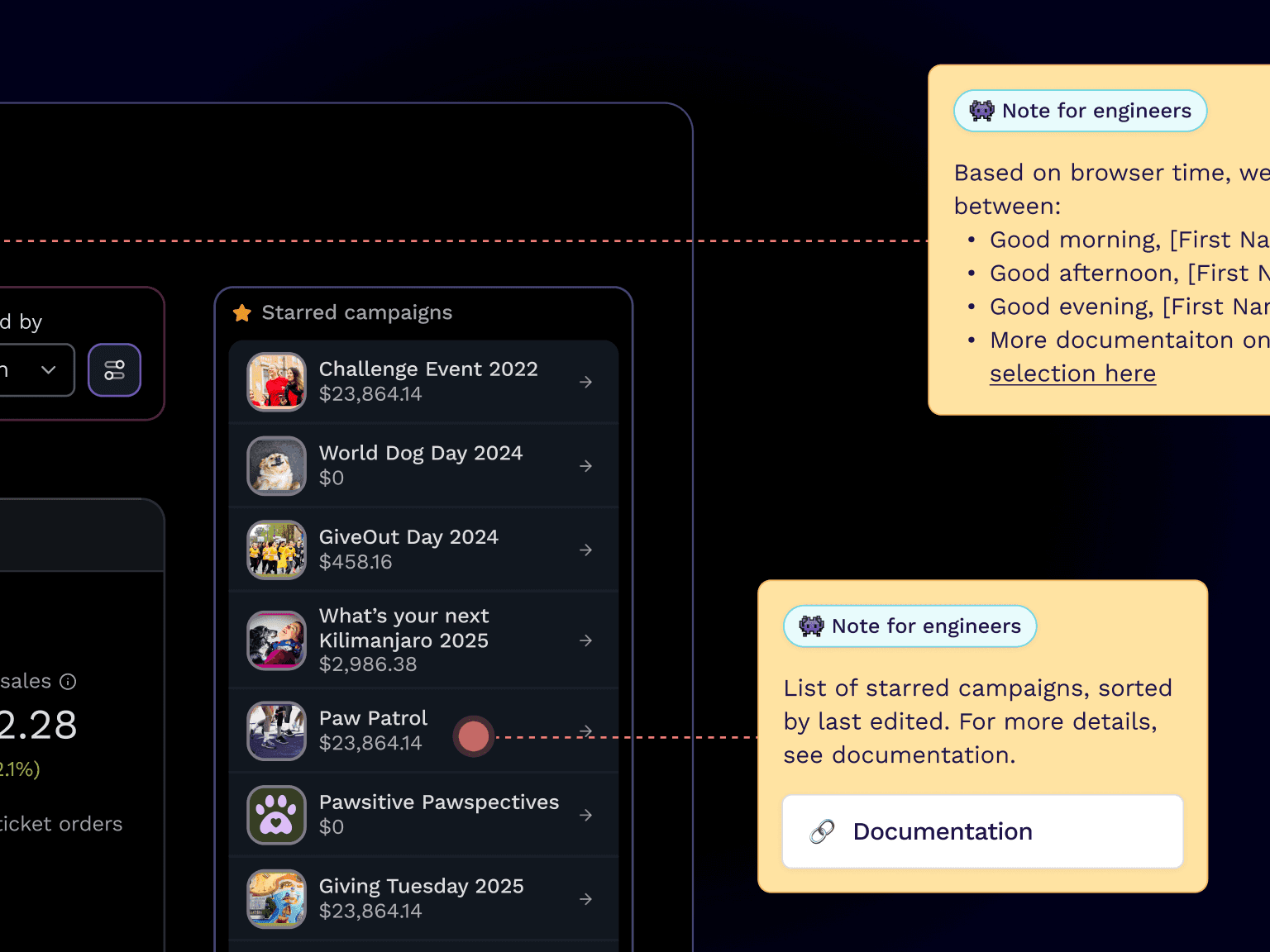
Check out some of the components we've created so far — you can switch between light and dark mode! 🌗
Firm foundations
Whilst the landscape and tools to create design systems is ever evolving, we have three guiding principles that help to ensure our system remains the dependable and adaptable cornerstone of our product. These principles reflect our commitment to collaboration, accessibility, and longevity:
Created by everyone
It is owned by the entire product team and leverages our broad range of skills and diverse experiences.
Accessible to anyone
It is not an afterthought; accessibility is baked into the system itself, the design choices we make, and the way we build it.
Built to last
It is robust and provides a firm foundation, whilst also being flexible enough to adapt and foster creativity.
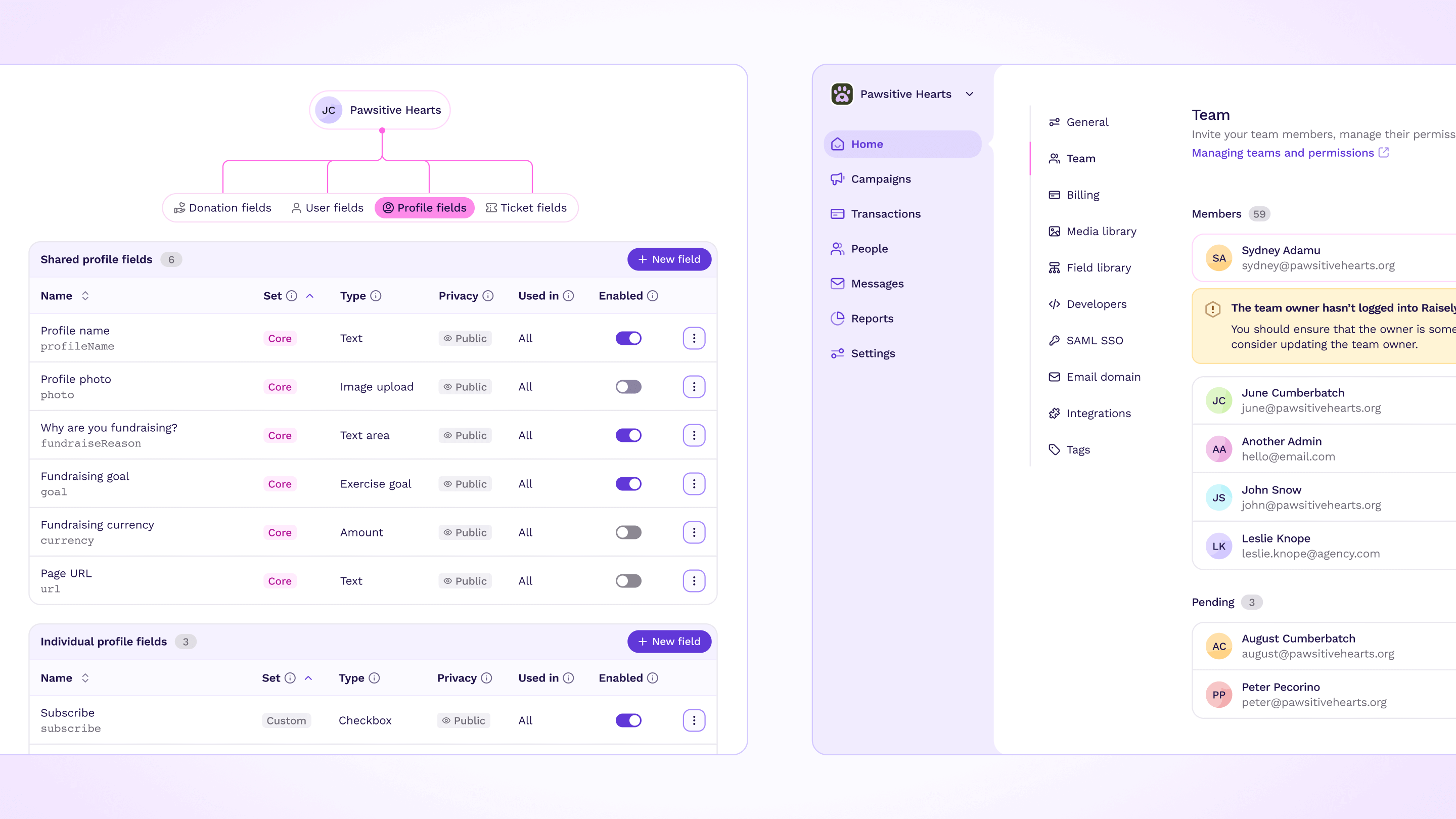
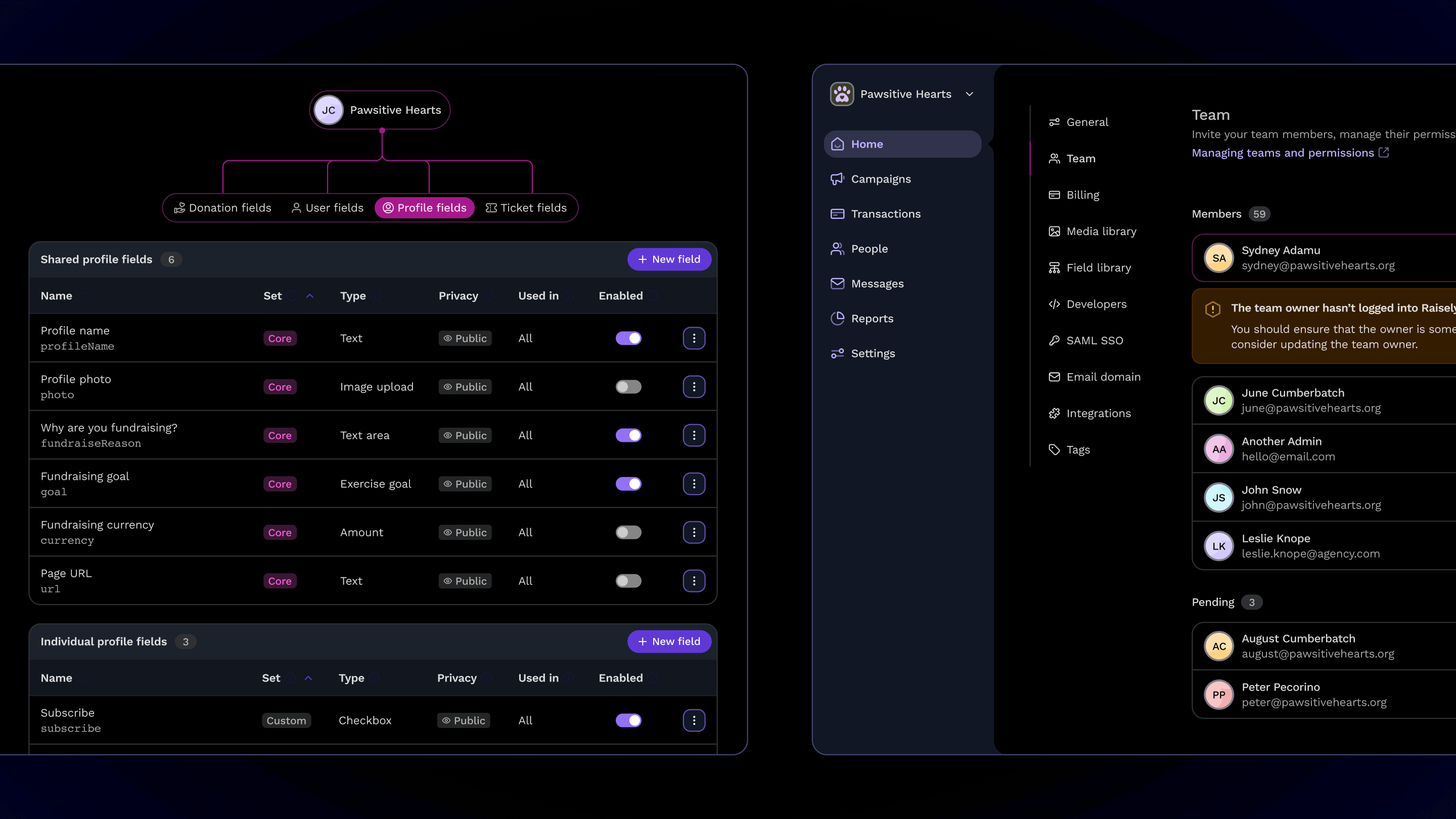
Our wonderful design system in all its glory
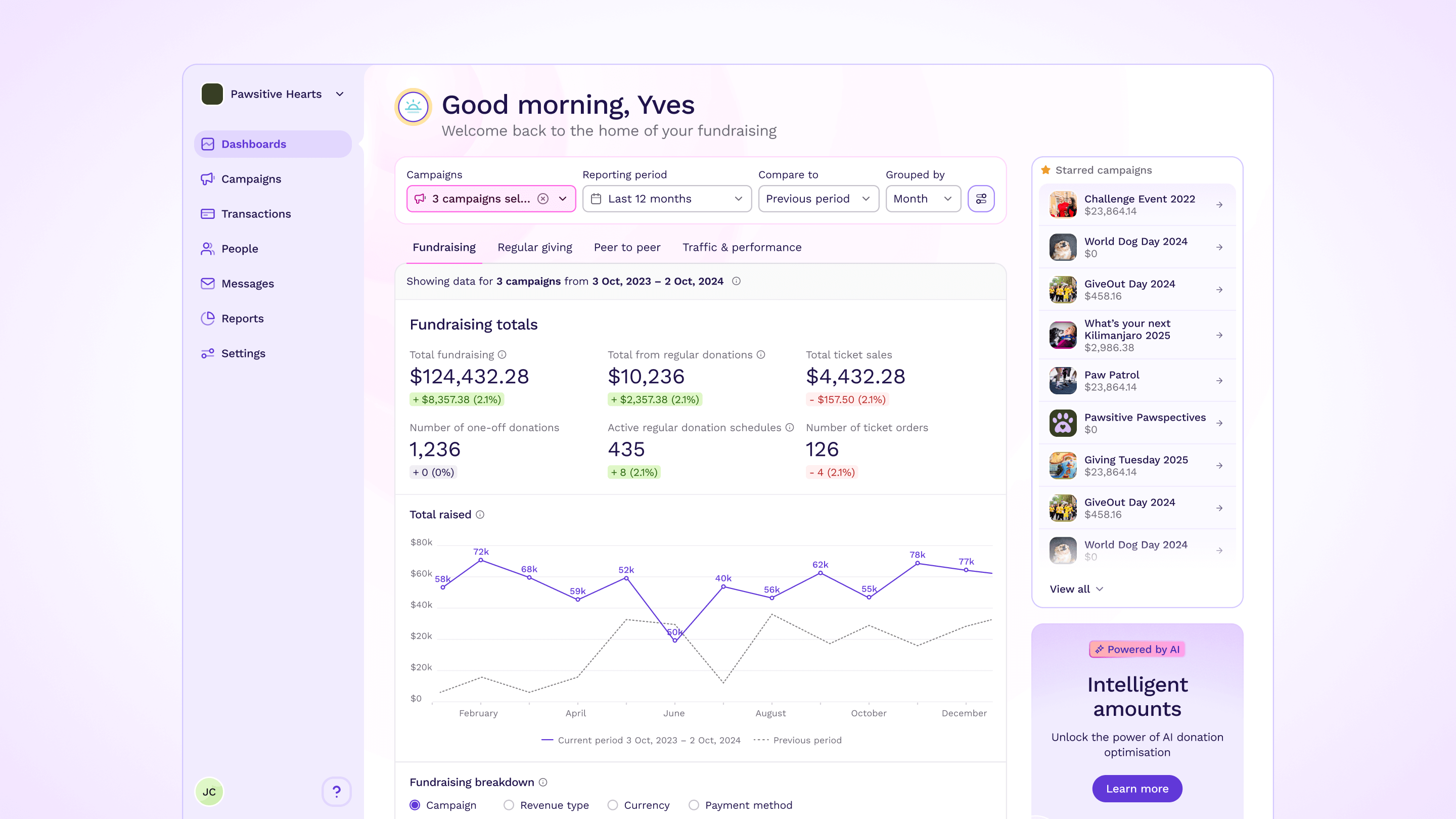
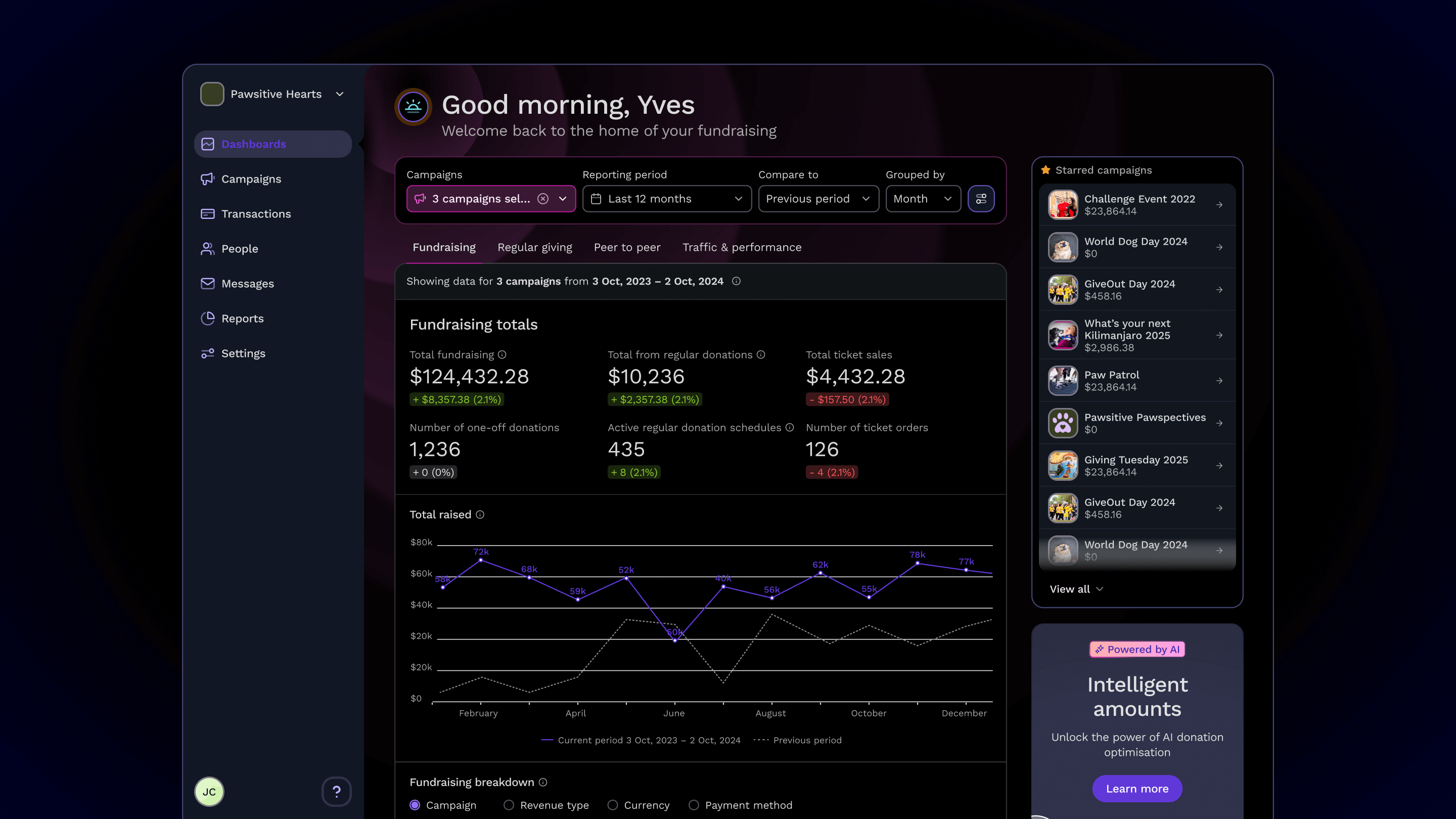
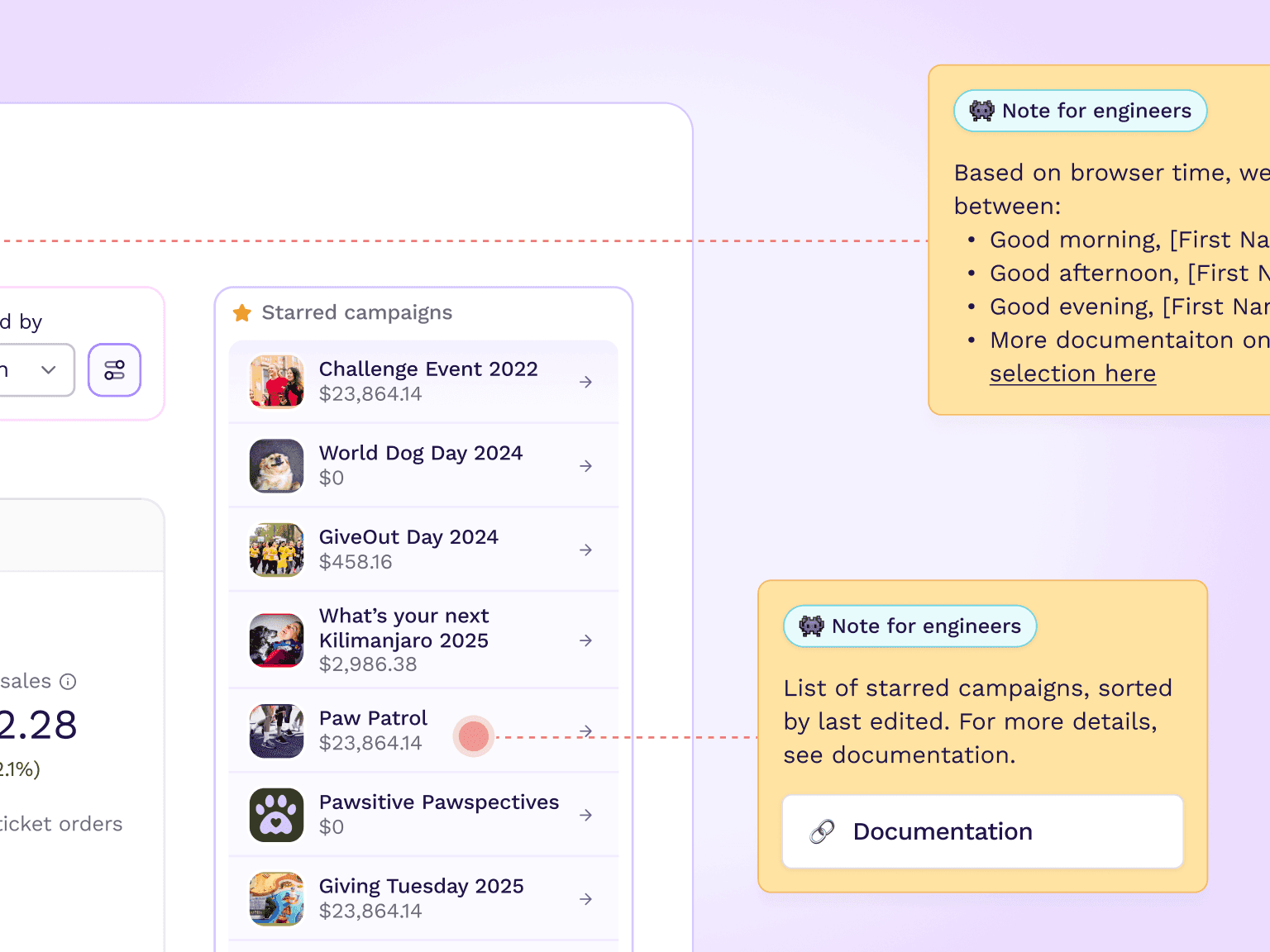
A sneak peek of the 'Organisation Dashboards' feature
Reducing friction & maximising quality
Designers and engineers bring distinct priorities and strengths to the table, which are vital for creating great products. However, these differences can sometimes lead to friction, miscommunication, and reduced quality and efficiency.
This misalignment might manifest as incorrect colors, spacing, or font sizes in the final product, or components being designed without accounting for technical constraints.
As our design system evolves, we continuously seek ways to improve communication, streamline collaboration, and foster clarity to bridge these gaps effectively.
Clear documentation
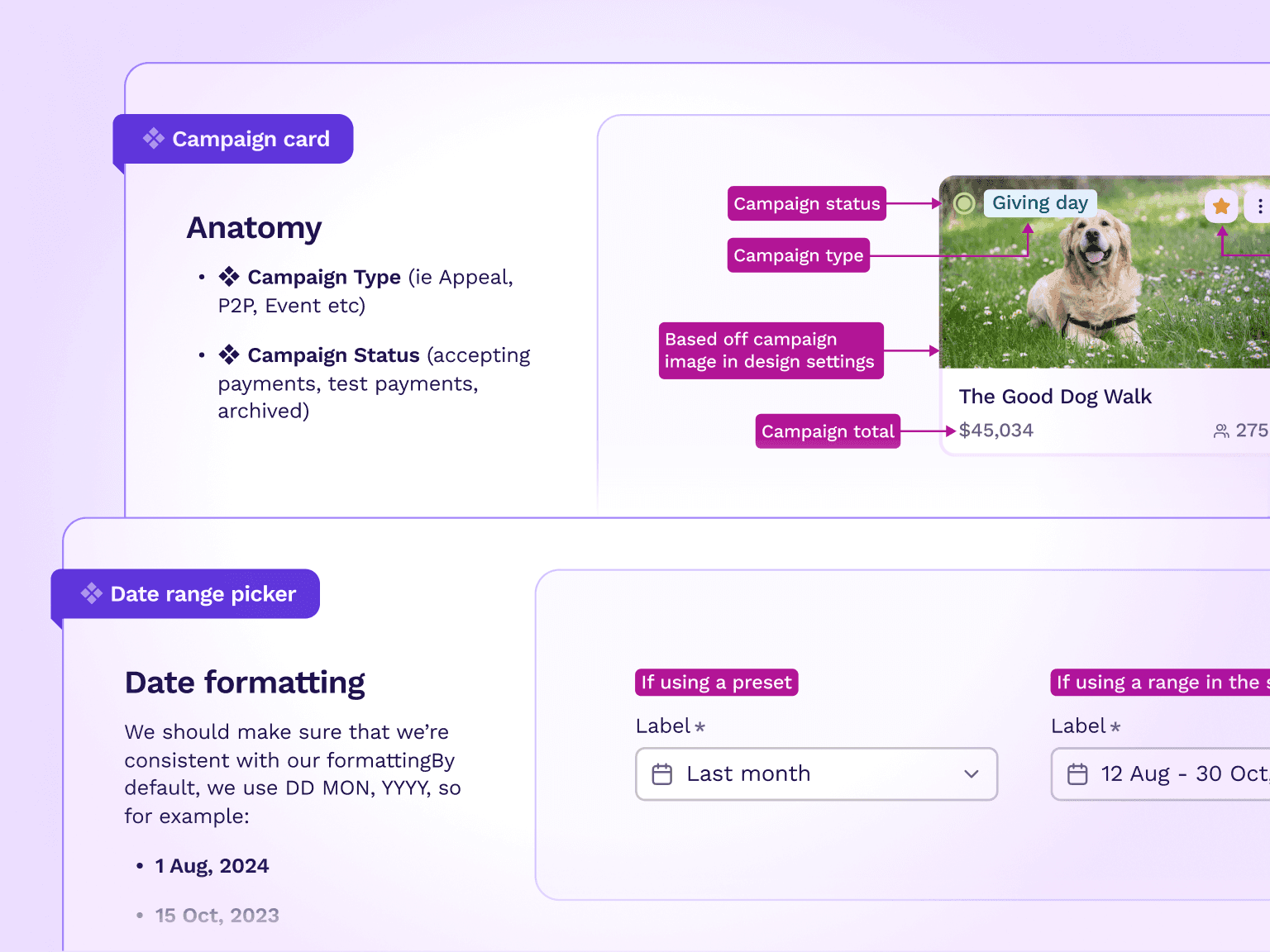
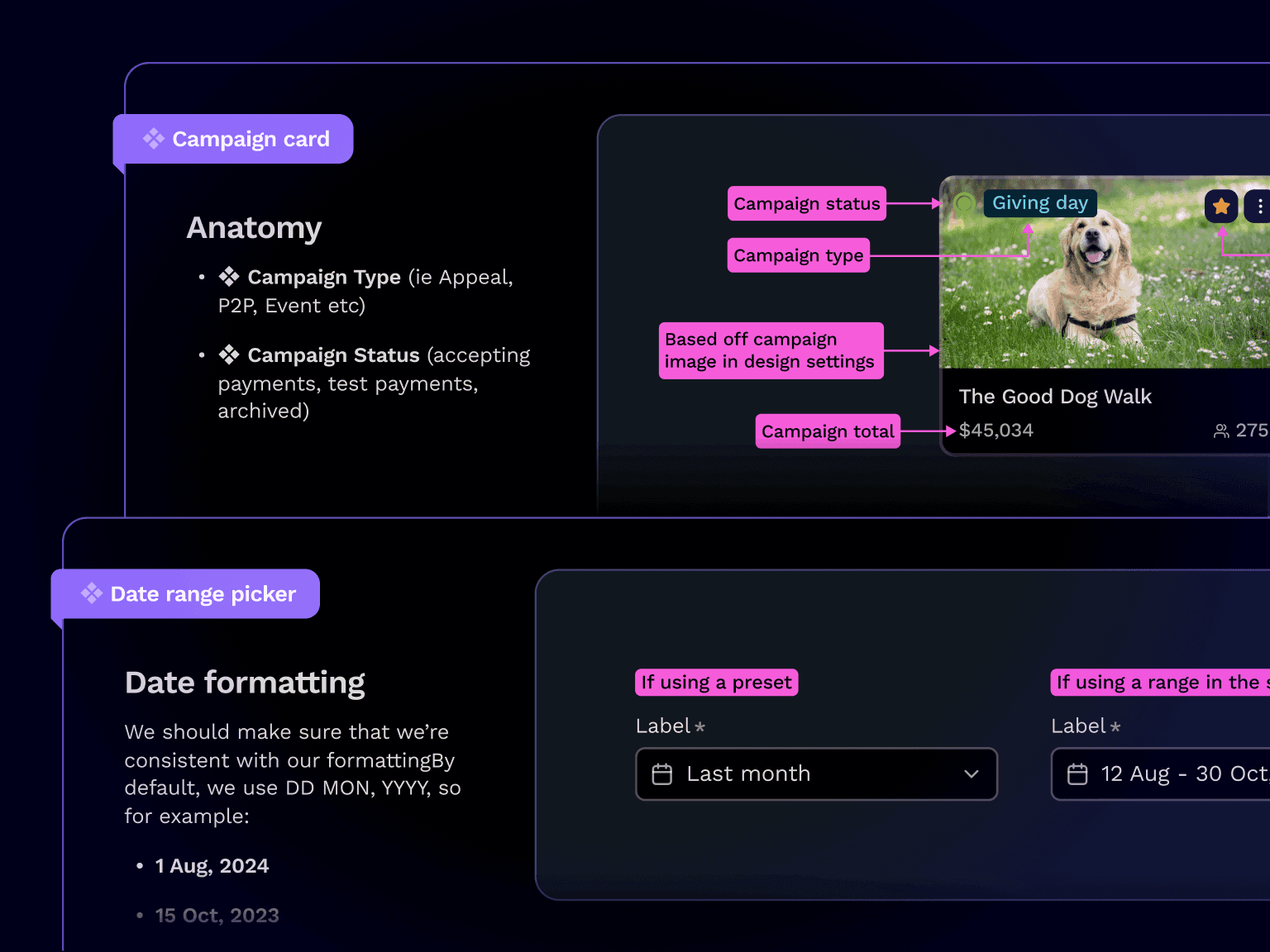
We reduce friction through thorough documentation. Once a component is approved, a designer will then build it in Figma and add detailed documentation.
The documentation includes a description of the component, its anatomy, and details different states, responsive behavior, and interactive behaviour where necessary.
This ensures that components are carefully designed and provides engineers with clear guidance to implement them efficiently and to a high standard.
Create clarity
Clear communication is paramount to effective collaboration and I’m proud that our product team exemplifies great communication.
This is imperative in a global, remote company where you can't always jump on a call. It's all about enabling everyone to do their best work.
Our files are always full of discussion and our nifty ❖ Handoff Helper component is great way to provide extra detail and context for engineers.
Revolutionising how we build
With this project, we saw an opportunity to rethink how we build and improve the foundation of our design and development processes. It was the perfect chance to adopt new tools and techniques that would make our workflow more efficient, cohesive, and scalable.
Tailwind & tokens
We recently transitioned to Tailwind CSS, a move I was hesitant about at first — I've always been passionate about pure CSS. But as we adopted it, I quickly came to appreciate its efficiency & flexibility - now I love it!
To supercharge this transition, we integrated design tokens from Tokens Studio directly into the Tailwind configuration. This seamless integration ensures that our design system is consistent, scalable, and easy to maintain.
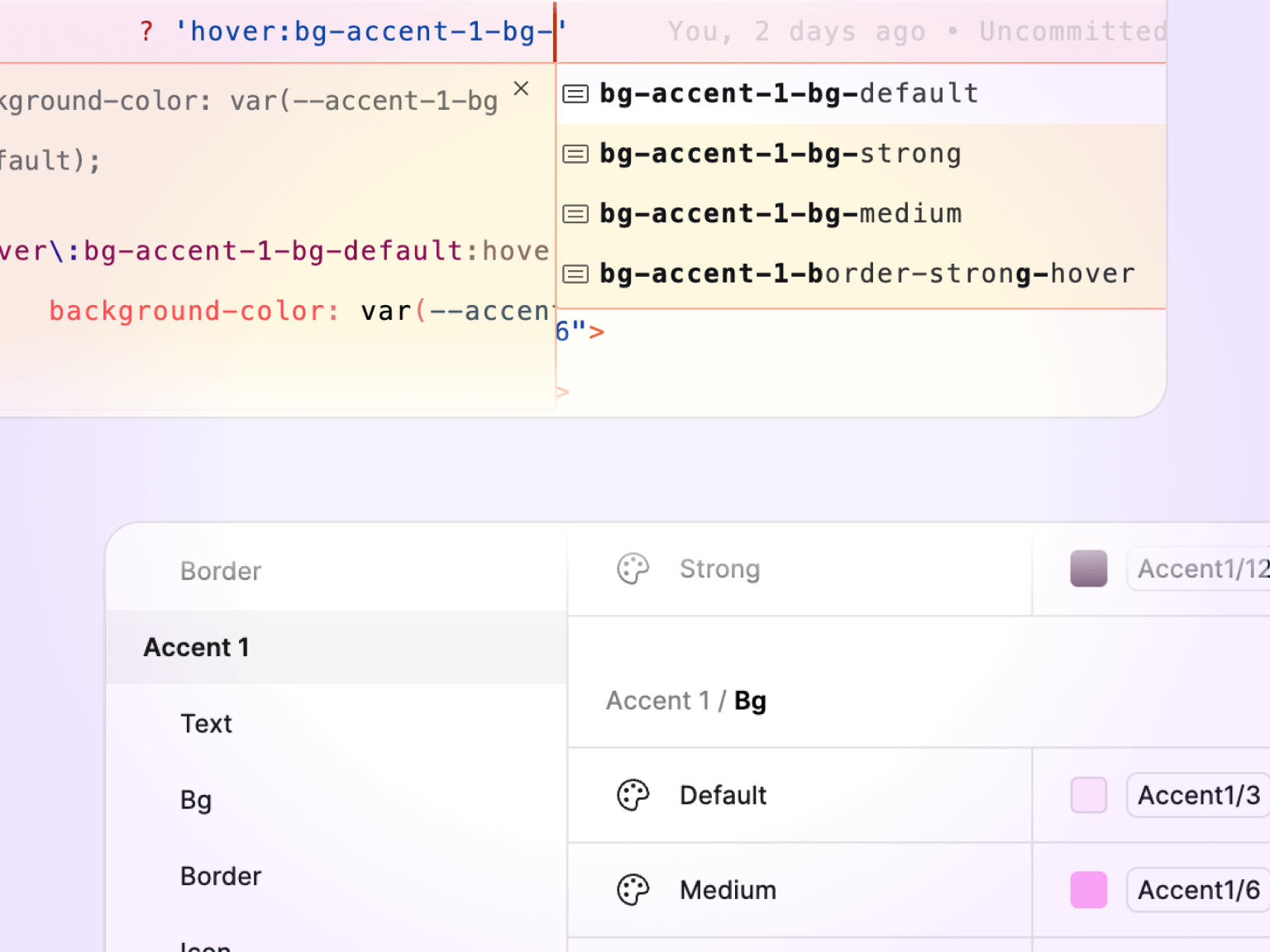
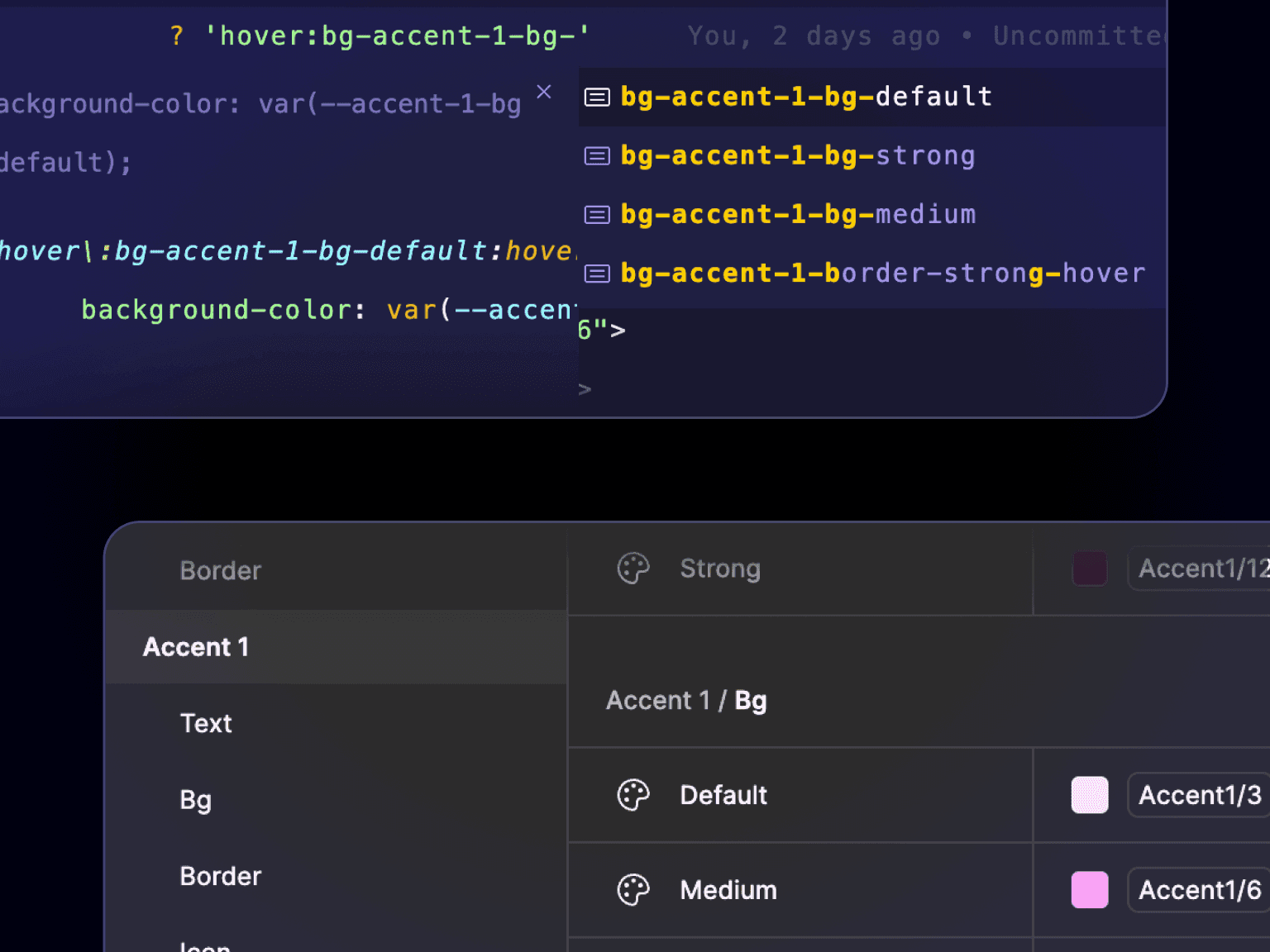
It feels like magic!
Radix UI
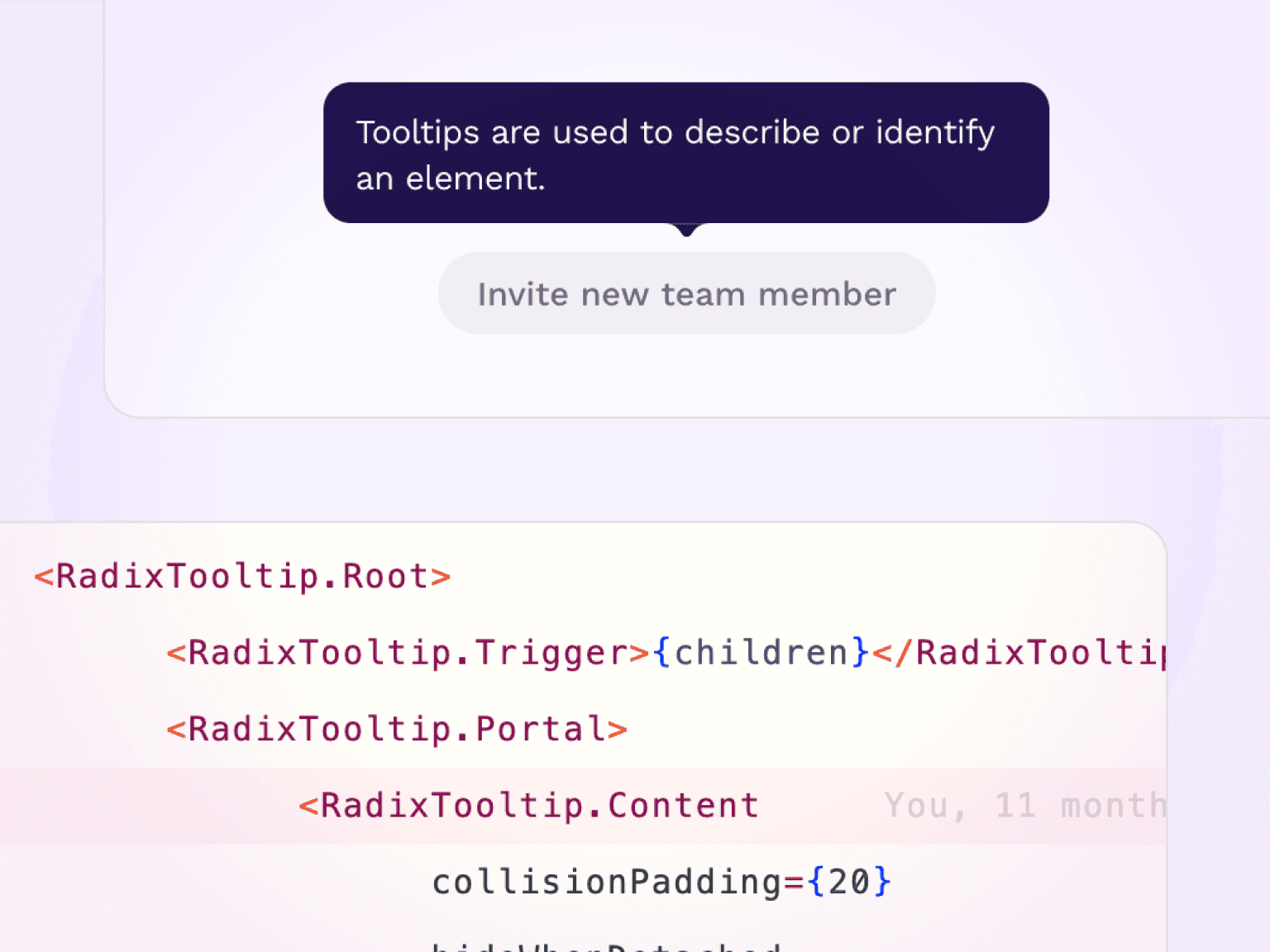
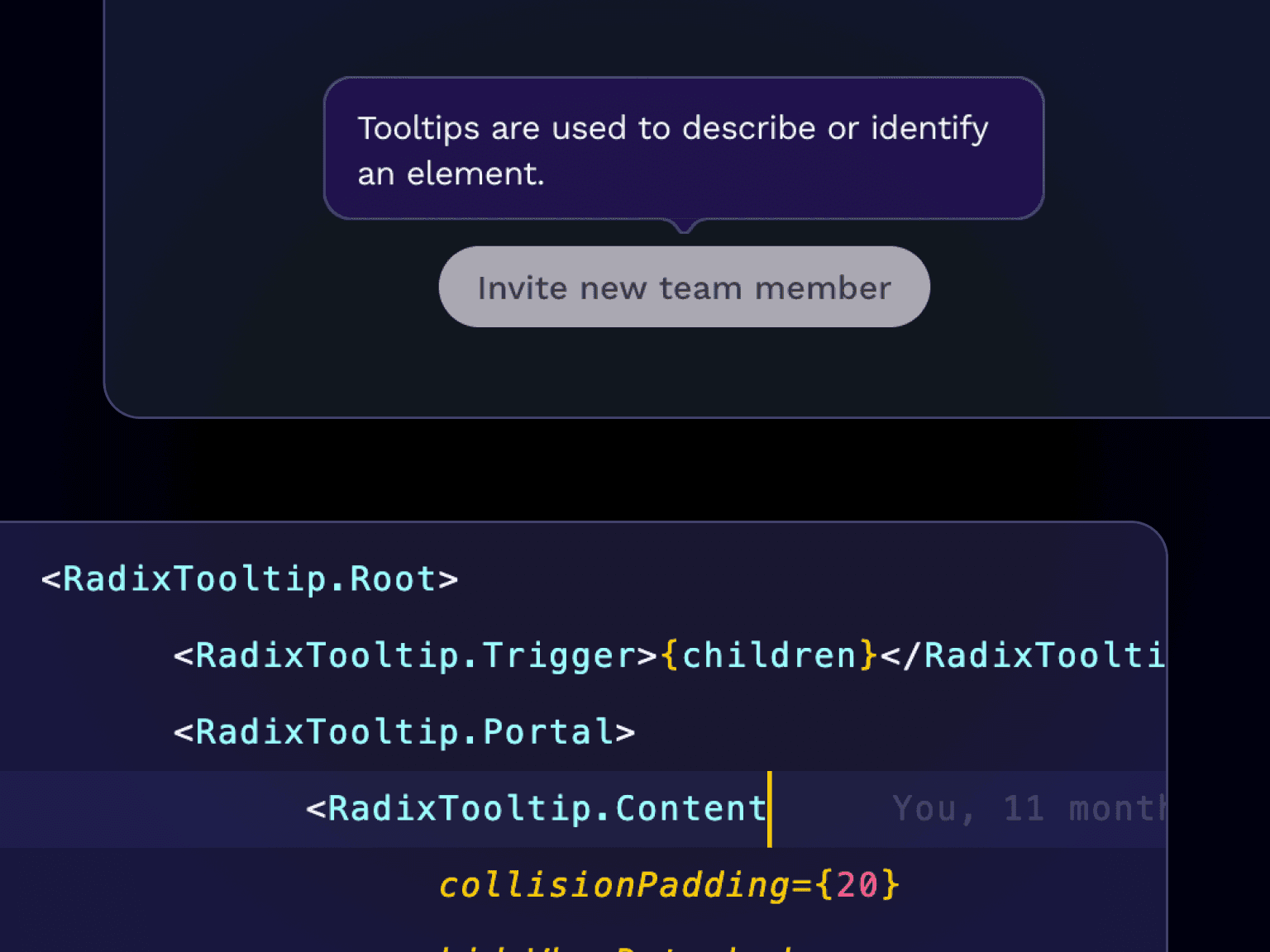
It's not always about working harder, it's also about working smarter and leveraging existing tools. That’s why we adopted Radix UI's primitive component library.
Their components come with accessibility baked in, giving us a solid foundation to work from. By building on these well-tested primitives, we can focus on customizing and enhancing features with confidence, knowing our bases are covered.
It's Storybook time
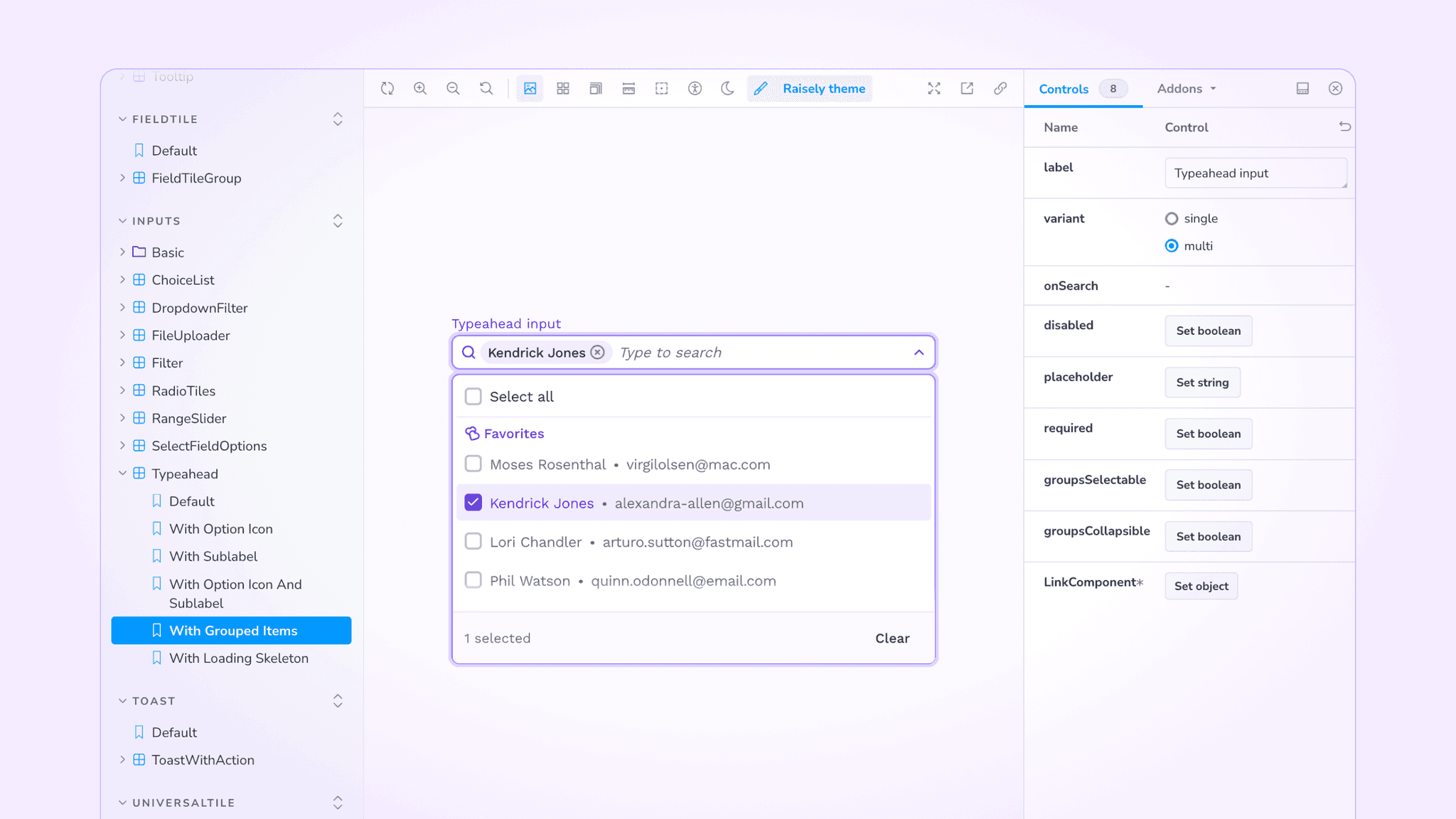
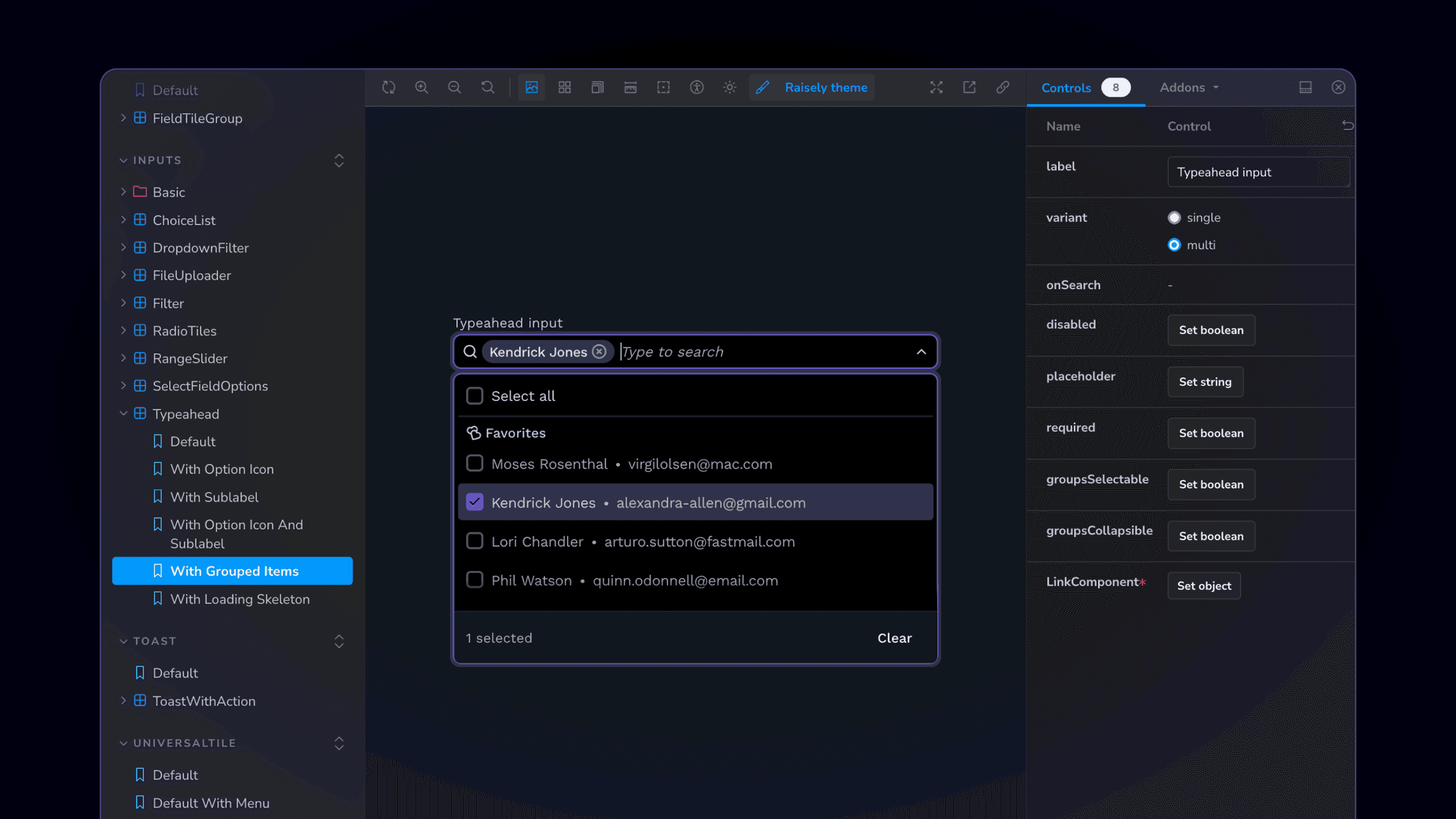
We fully committed to using Storybook when building our design system components, and it’s been a game-changer.
Storybook lets you build and view components in isolation, treating each as a “chapter” with its own backstory, configuration, and variations. This focus allows us to perfect every detail without the distractions of the broader application.
We've also integrated it with Chromatic , which allows us to generate component versions on the fly, enabling designers to review and provide feedback without a dev environment.
This iterative approach helps us catch issues early, refine components upfront, and deliver better products with less friction.
Going the extra mile
In my role, I'm focused on implementing tools and processes that go beyond the standard workflow to improve efficiency, and ensure seamless integration between design and engineering.
These efforts aim to bridge the gap between Figma and our codebase, making the handoff process smoother and ensuring consistency across the product.
With this project, I've been able to flex those muscles a bit more than normal and try out a few things that I've never done before:
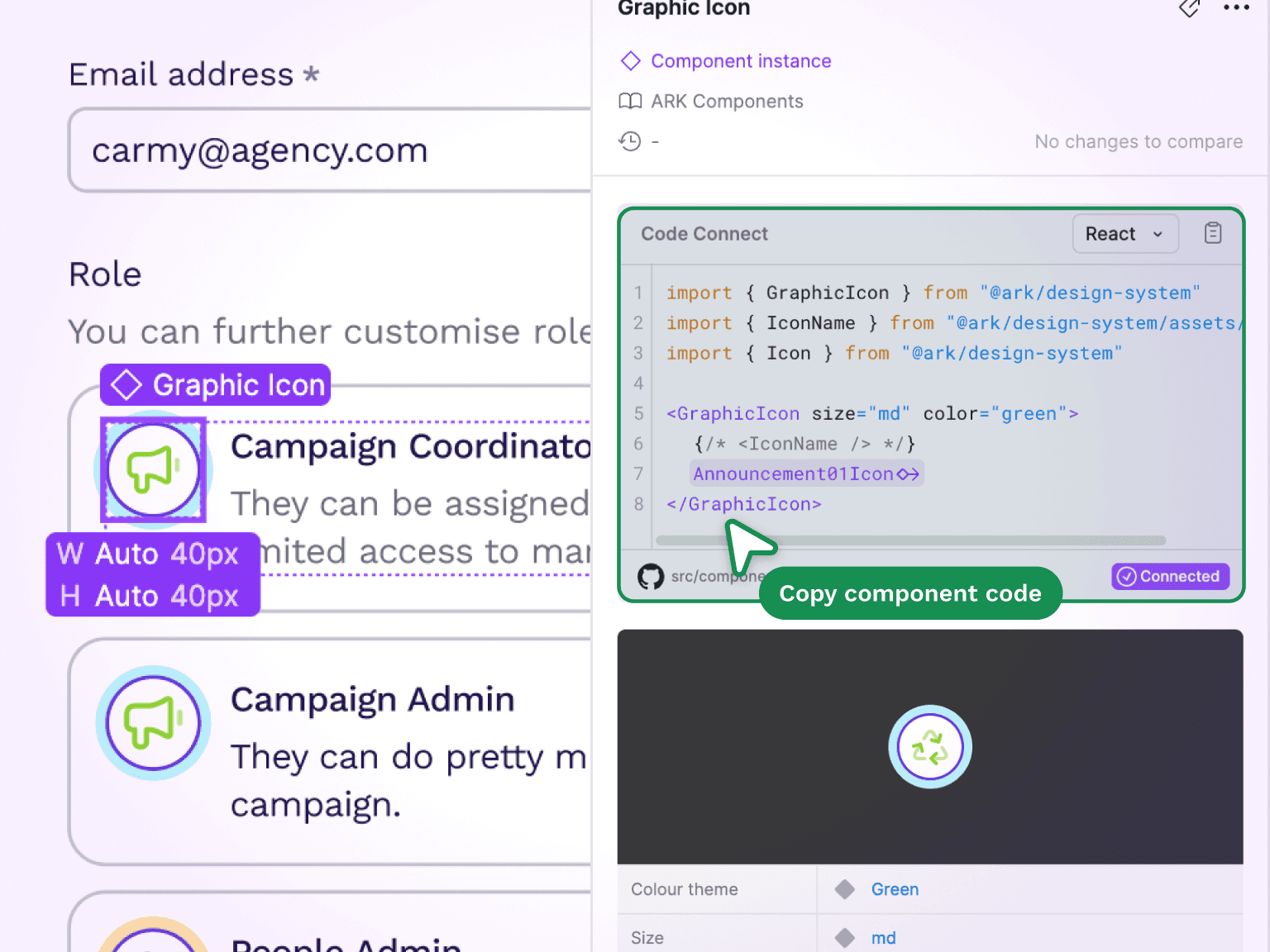
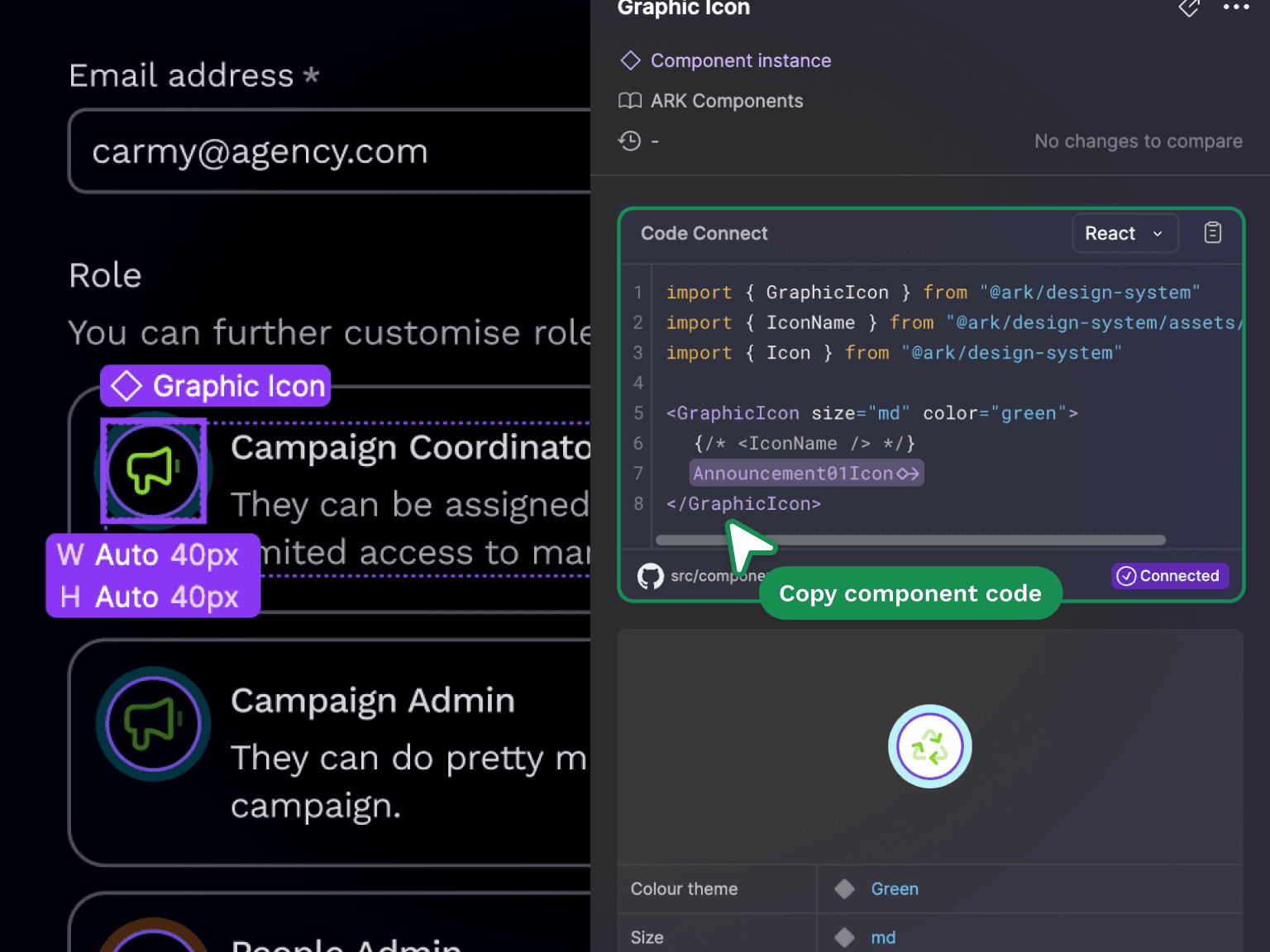
Code Connect
Using Figma's Code Connect feature, I've added a translation layer between our components in Figma and the code, mapping Figma properties to their code counterparts.
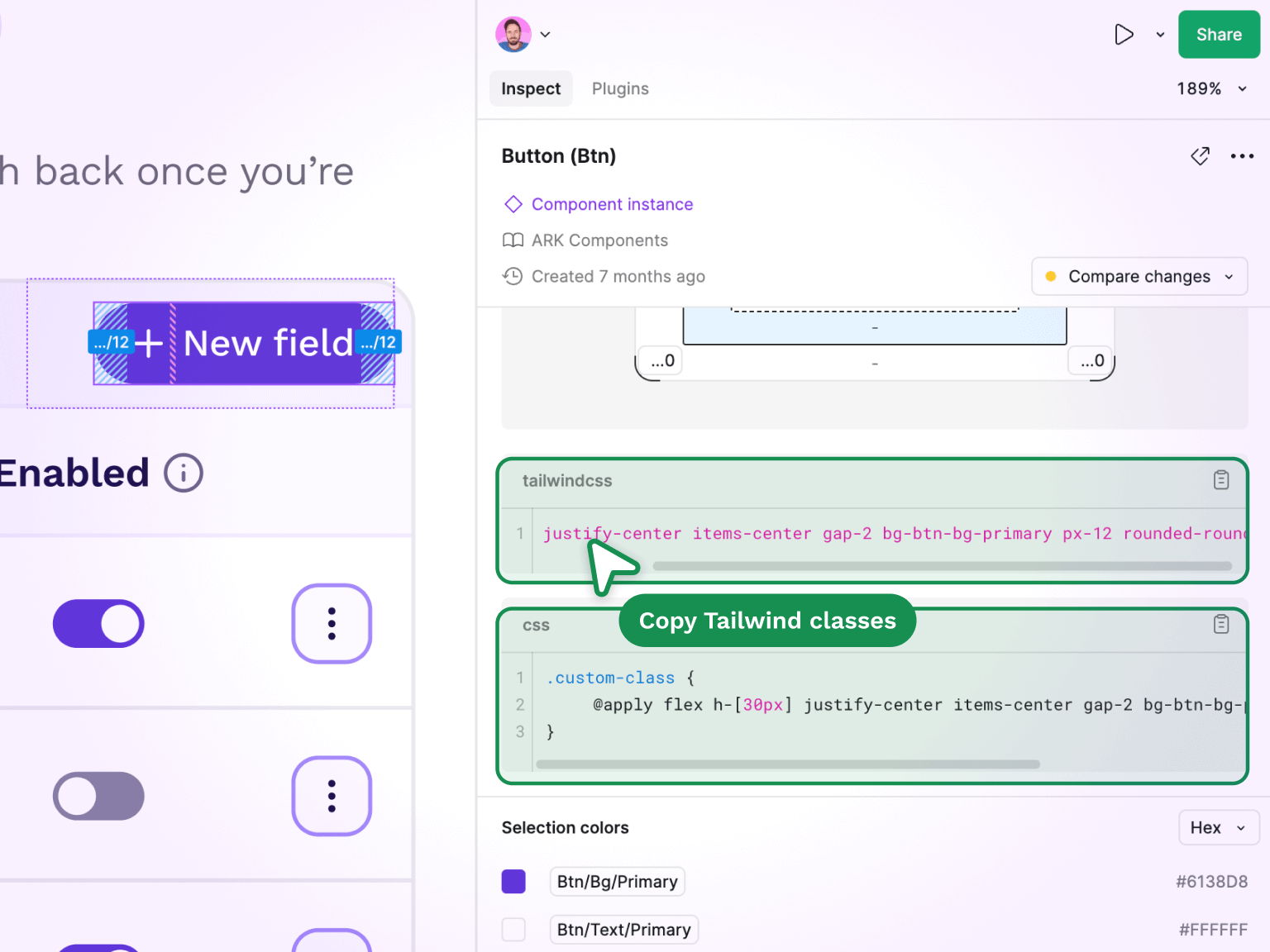
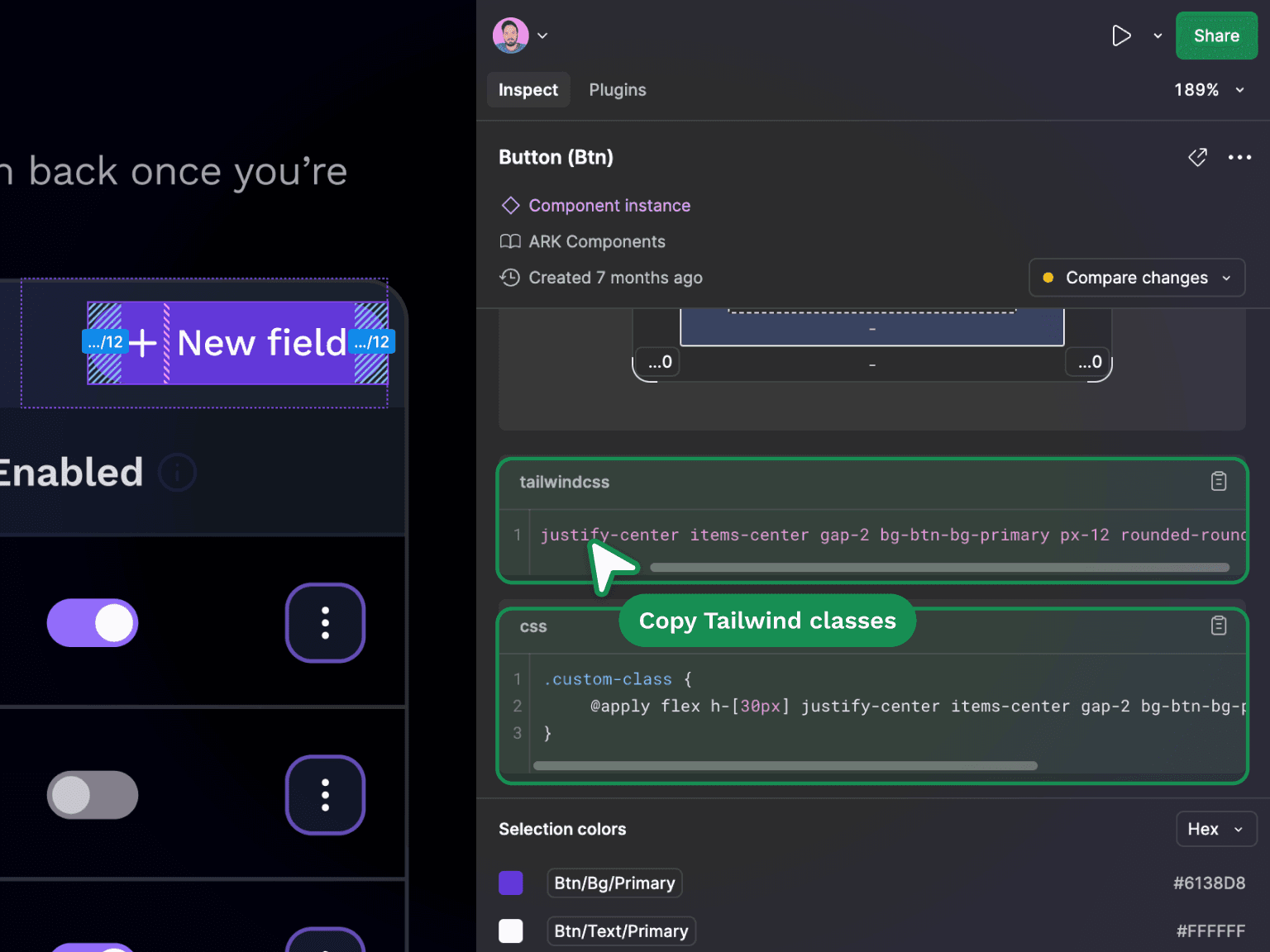
Codegen plugin
I've developed a custom plugin for Figma that uses our custom Tailwind configuration to generate bespoke classes from Figma's generated CSS styles.
Loved by all
Our design system isn't just a tool, it's a game-changer. But don't just take my word for it:
Key takeaway:
Shared ownership fosters understanding, brings clarity, increases adoption, and increases quality.